


Protecta Project Management App
Now Live
Register NowOne powerful app to log, manage, and verify passive fire protection — on-site or in the office.
Free for Protecta customers.


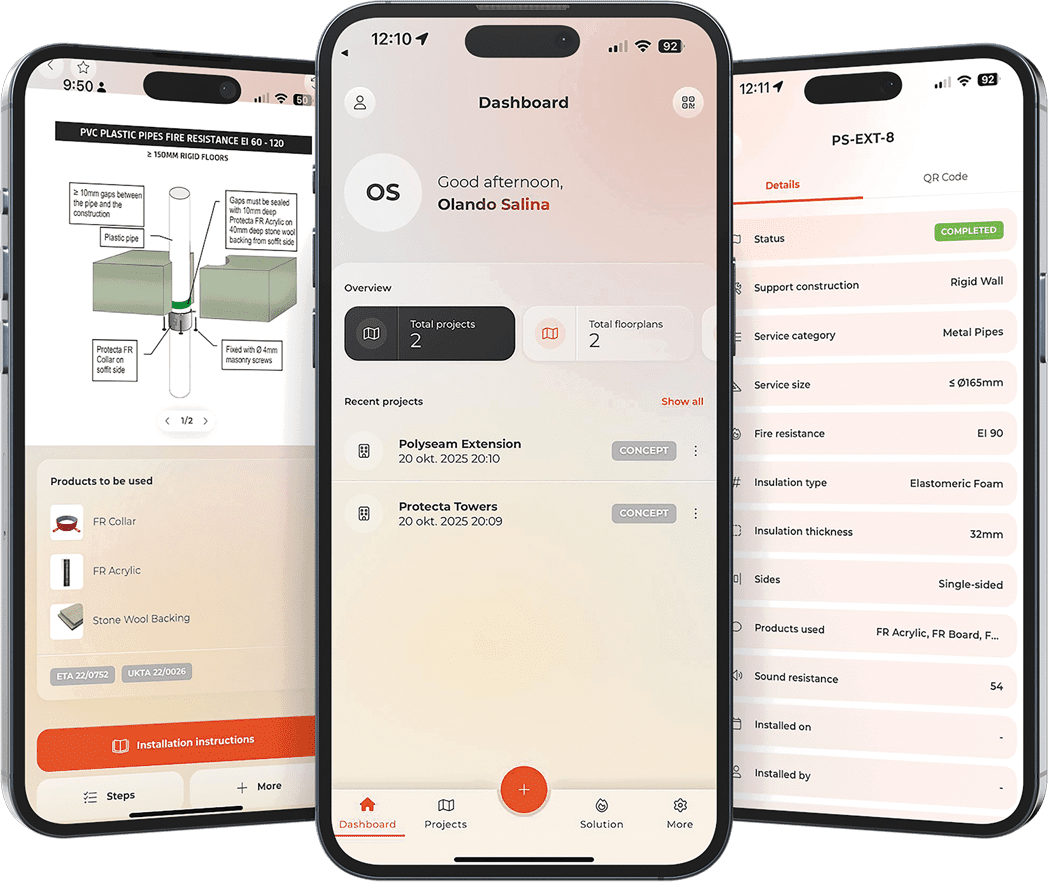
Firestopping compliance shouldn’t be complicated.
The Protecta Project Manager brings together project documentation, installation reporting, certification data, product and solution selection — all in one secure platform.
Whether you’re a contractor, installer, or inspector, you’ll have full traceability of every passive fire protection installation, throughout the lifecycle of a building.
Find Solutions. Faster. (Solution Finder)
Get site-specific solutions based on:
- Construction type
- Service type
- Plastic, metal or mixed penetrations
- EI or E classifications
- Real-world test evidence
Each result provides:
- Installation images
- Product list
- ETA / UKTA approvals
- Step-by-step instructions
- PDF download and share options
- Link to technical support
No guessing. No generic solutions.
Just proven fire-tested systems.
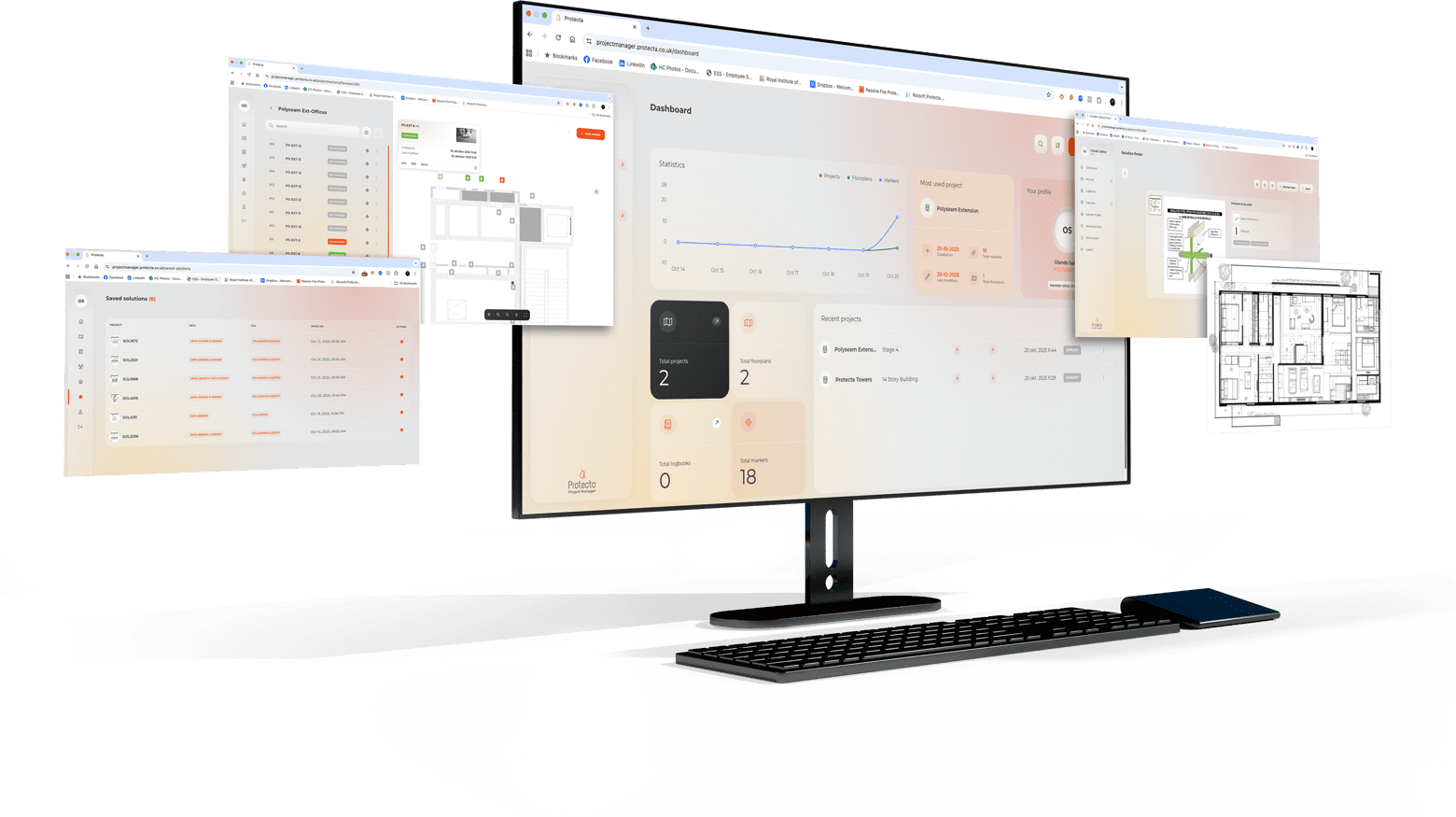
Log every firestop — directly on your floor plans
- Import PDF or image floor layouts
- Drop markers for each service penetration
- Add photographs (before & after)
- Record dates, installer, seal type, and approvals
- Track status: planned, in progress, installed, inspected
Markers include direct links to:
- Installed Protecta products
- Downloadable certifications
- Installed solutions and documentation
A complete Golden Thread of information — without paperwork.
Smart QR Code Functionality
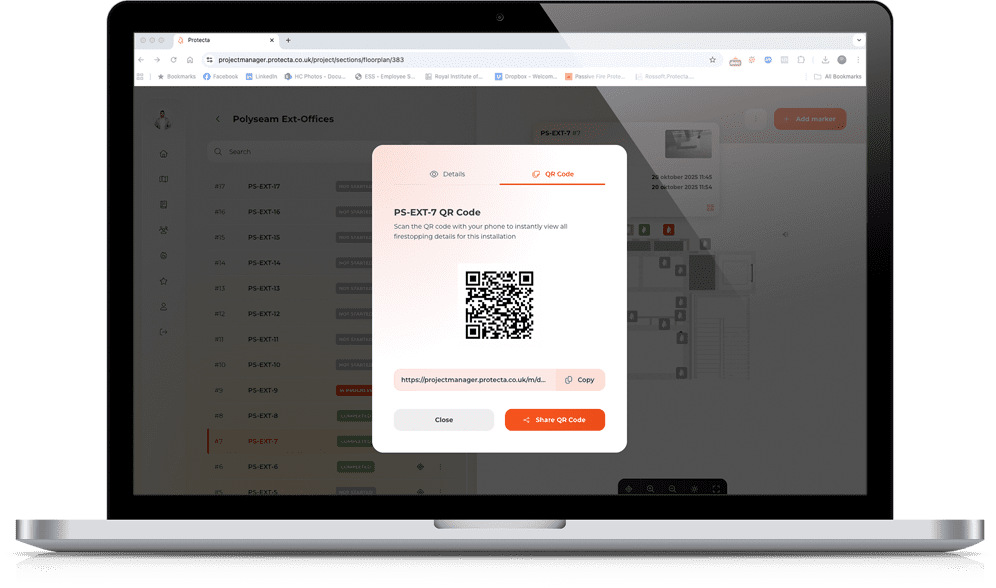
Place a QR tag at the installation.
Anyone with the app can scan and instantly access:
- Installation details
- Fire classification
- Product guidance
- Images & history
- Responsible installer
Ideal for inspections, maintenance, and handovers.
Compliance Reporting — Done for You
Generate professional reports in seconds:
- Firestop installation reports
- Firestop solution reports
- Floor-by-floor summaries
- Audit & sign-off trails
PDFs can be shared with clients, inspectors, and building safety managers instantly.
Who is it for
Installers
Contractors & subcontractors
Firestopping specialists
Fire risk assessors
Facilities teams
Compliance managers
Fire Inspectors
| Access | Viewer | Installer | Supervisor | Project Manager |
|---|---|---|---|---|
| Projects | ||||
| Create projects | ||||
| Delete projects | ||||
| Floor plans | ||||
| Upload floor plans | ||||
| Delete floor pans | ||||
| Markers | ||||
| Comment | ||||
| Add new marker | ||||
| Delete marker | ||||
| Reports | ||||
| Create reports | ||||
| Delete reports | ||||
| Messages |
Viewer
View only
Can view projects and documentation, but has no editing permissions
Installer
Execution
Can create and update reports.
Cannot change the project structure or delete content.
Supervisor
Administrative
Can manage project content such as drawings, sections and reports.
Cannot delete projects.
Project Manager
Full access
Can create, manage and delete projects and all project content.

